 Tunnelbird
Your VPN,
one click away.
Import the .conf or .ovpn file from your provider or your own server. Tunnelbird connects through your system's network settings: no account, no administrator password.
Install on Linux
curl -fsSL https://tunnelbird.ferhatsn.fr/install.sh | sh 
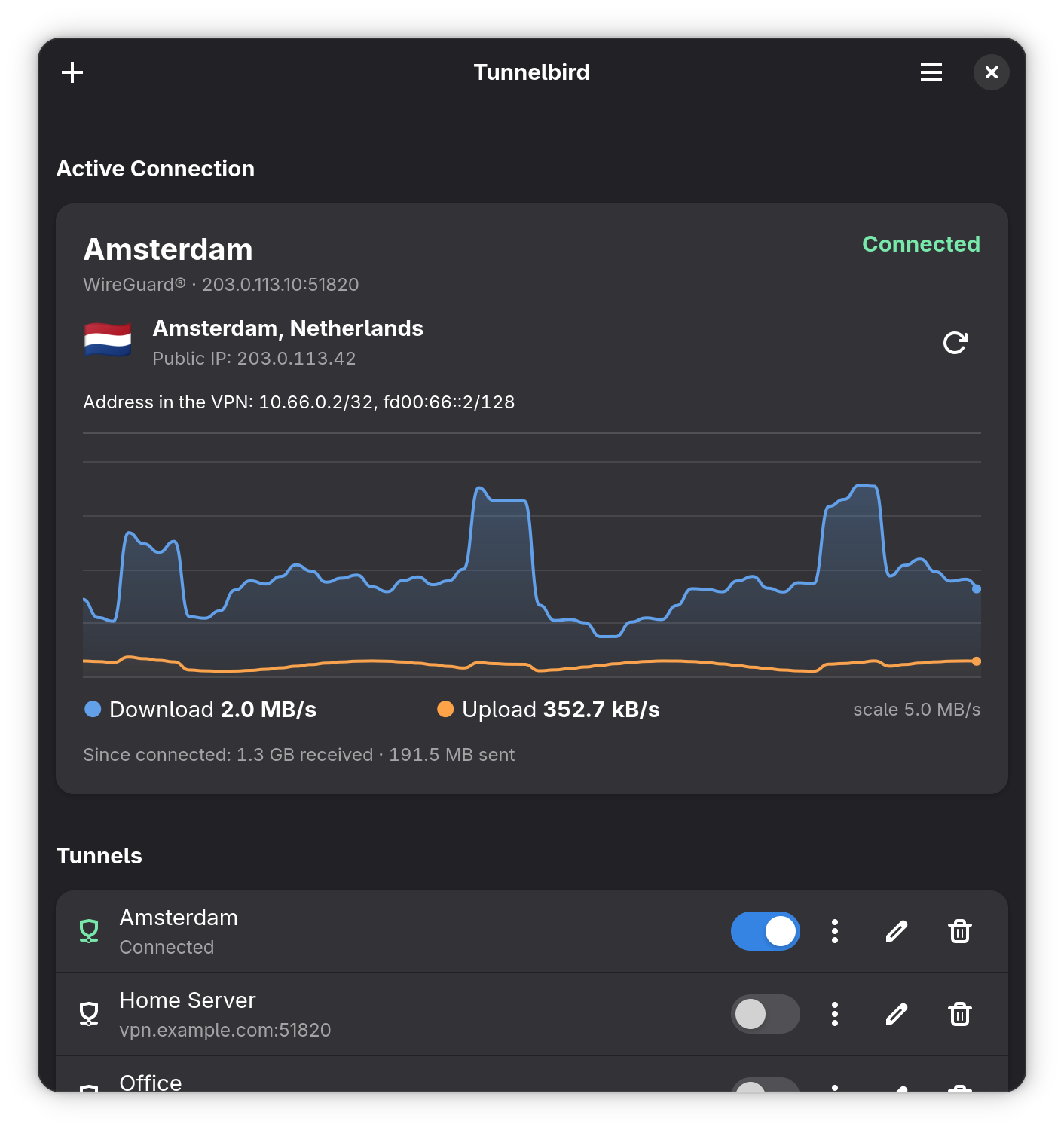
Tunnelbird in 20 seconds
Import the file from your provider, flip one switch, see where you appear to be.


Install Tunnelbird
One command for every distribution. The script reads your system, checks what it needs and installs Tunnelbird in your home folder: no administrator, no store, no account. To update, run it again.
curl -fsSL https://tunnelbird.ferhatsn.fr/install.sh | sh The same command installs the native menu bar app on a Mac with Apple silicon (macOS 13 or later), in your Applications folder in your home folder. No store, no account. The first time you open it, it asks for your administrator's password once, to install its helper.
curl -fsSL https://tunnelbird.ferhatsn.fr/install.sh | sh Coming soon
A native Windows app, built on the same core, is being written. It will be a free download from this site, with no store and no account.
You need Rust, GTK 4.14 and libadwaita 1.5 or later.
git clone https://github.com/ferhatte10/tunnelbird && cd tunnelbird && make && sudo make install Read the script first · Do it step by step · Check compatibility
Everything you need, nothing to configure

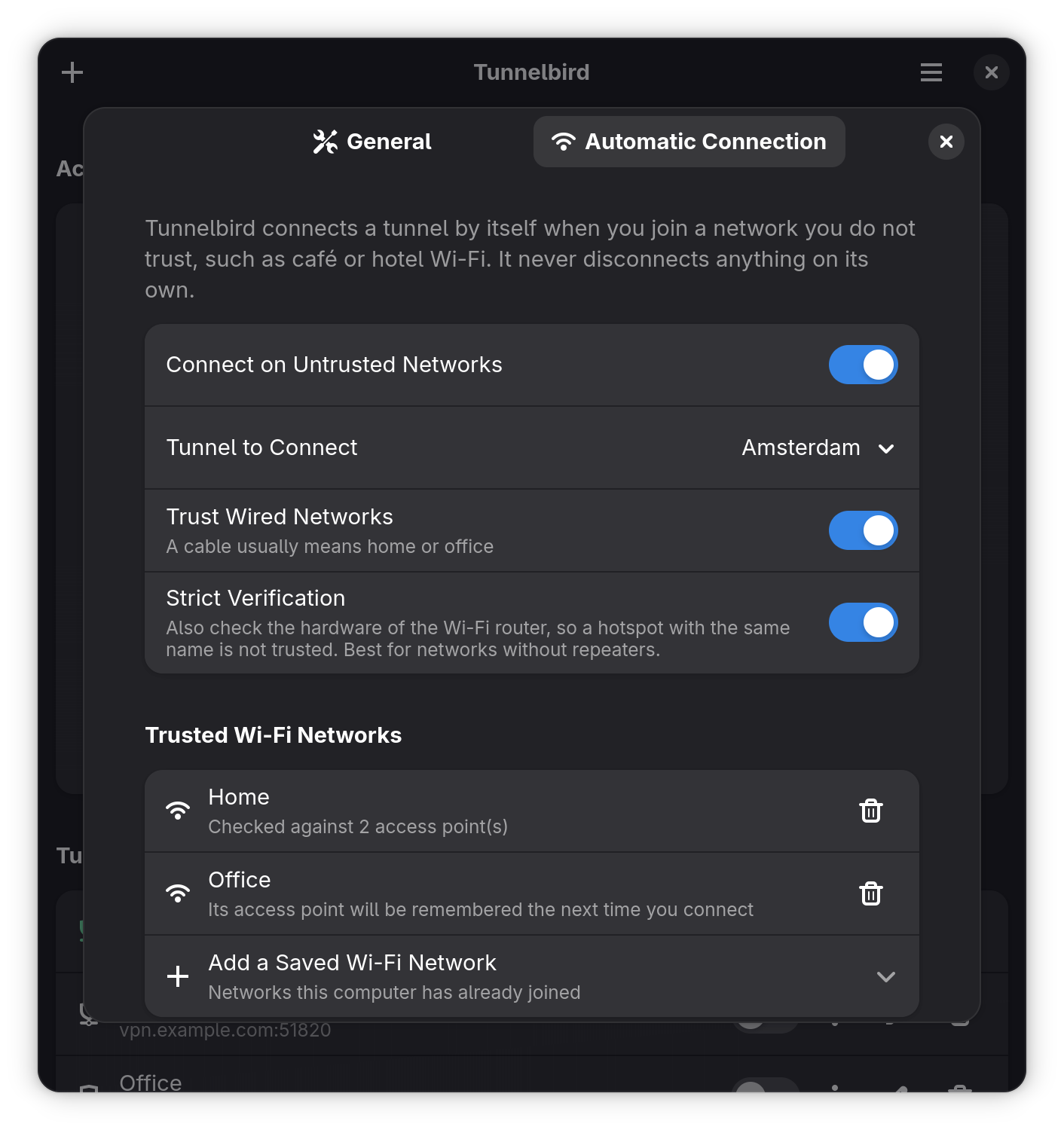
Safe on café Wi-Fi, quiet at home
Pick the Wi-Fi networks you trust. Anywhere else, Tunnelbird connects your tunnel by itself. An optional check also recognises your own router, so a look-alike hotspot is not trusted.
Live traffic and location
Your public address, its country and city, and a graph of the traffic. Warns when the server goes quiet.
Any provider file
WireGuard® .conf and OpenVPN .ovpn files, checked and editable before anything is saved.
From the top bar
Switch tunnels, watch the traffic and quit without opening the window.
To your phone
Share a WireGuard® tunnel as a QR code and scan it with your phone's VPN app.
Private by design
No account, no tracking. The only requests are the location of your public address while connected, and a daily check for new versions you can turn off. What leaves your computer.
Works with your Linux
Ubuntu, Debian, Fedora, Mint, Arch and more, on Intel/AMD and ARM, with GNOME, KDE and others. See the full list.